Operational Logging for SQL Server Workloads and Replication
Track statement execution, high-availability events, resource contention signals, and audit activity across SQL Server environments in real time.
Monitor Microsoft SQL Server logs to troubleshoot performance, availability, and security issues
Analyze SQL Server error logs
Inspect SQL Server ERRORLOG entries to identify database engine errors, severity-level failures, startup issues, and unexpected shutdown events.
Detect deadlocks and blocking
Capture deadlock graphs, blocking chain messages, and lock escalation warnings from SQL Server logs to diagnose concurrency issues.
Track query execution failures
Monitor SQL Server log events related to failed queries, transaction rollbacks, arithmetic overflows, and constraint violations affecting workloads.
Monitor availability and failover
Follow SQL Server Always On and failover cluster log messages to detect replica role changes, synchronization issues, and failover events.
Observe backup and restore activity
Track SQL Server backup, restore, and recovery-related log entries to verify job execution and detect failures impacting data protection.
Identify resource pressure warnings
Analyze SQL Server logs for memory pressure, I/O subsystem delays, tempdb contention, and scheduler health warnings.
Monitor authentication and security
Capture SQL Server login failures, permission denials, certificate errors, and encryption-related log entries for security auditing.
Correlate database and application logs
Link SQL Server log events with application logs to trace database-level errors back to specific services or deployment changes.
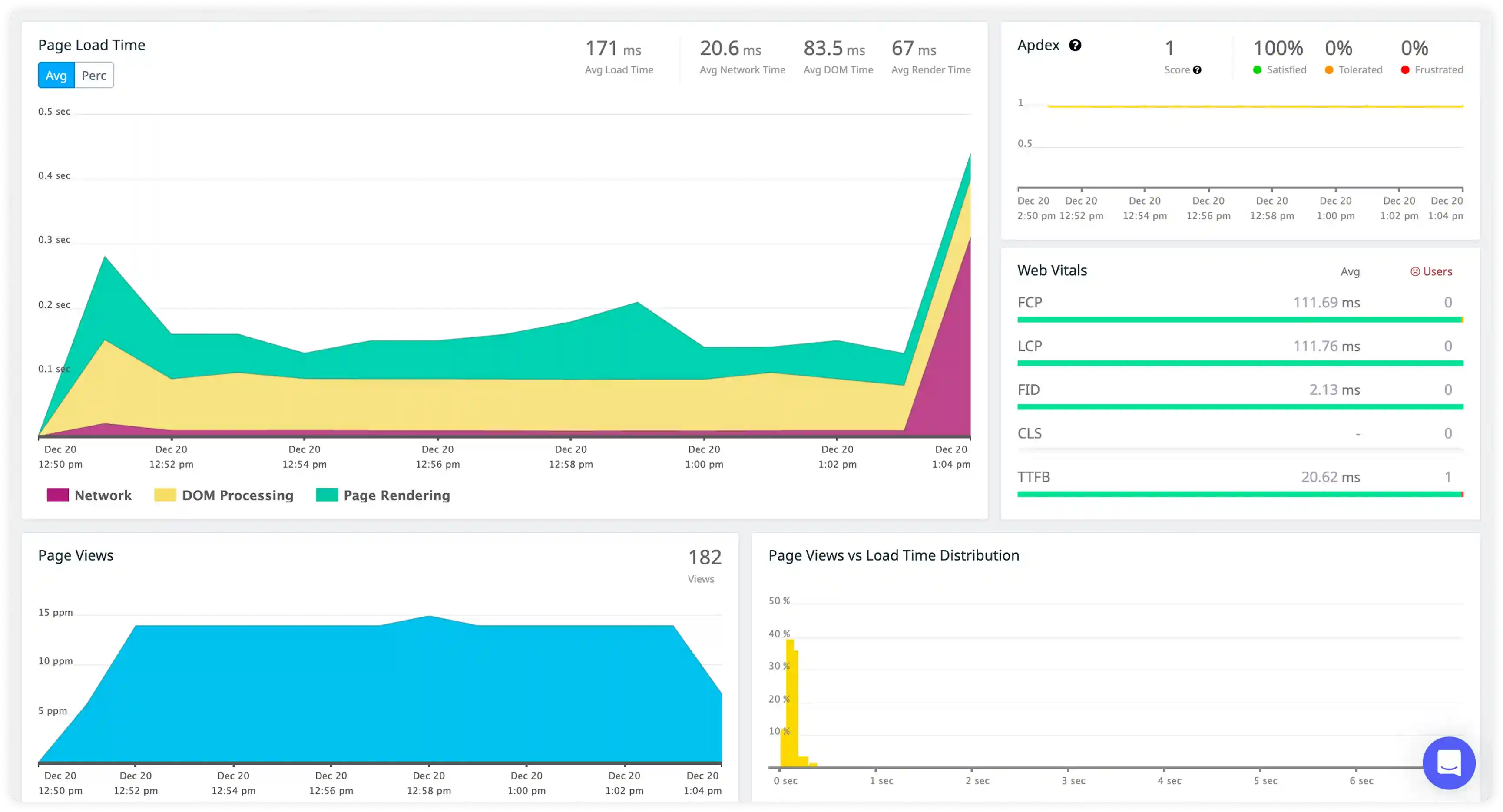
Transaction and Statement Activity
- Monitor SQL Server error logs, transaction logs, and statement-level entries to understand how T-SQL batches, stored procedures, and background jobs execute under production workloads.
- Correlate session IDs, transaction scopes, and application connections to trace database interaction paths across services.
- Identify failed transactions, rollbacks, and blocking chains that slow down request processing.
- Detect anomalies in database activity that impact data processing continuity and service stability.
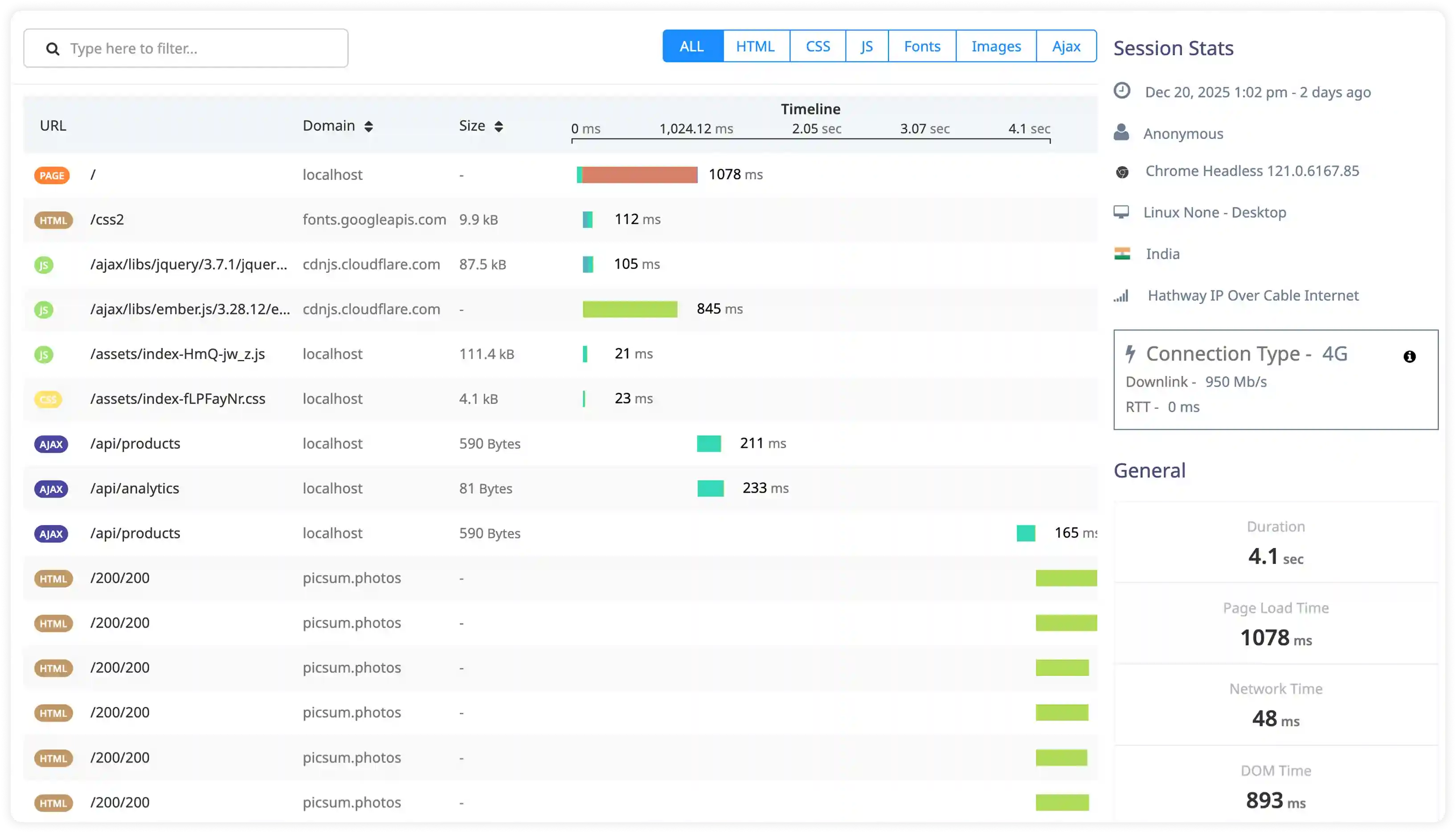
High Availability and Replication Visibility
- Capture Always On, log shipping, and replication log events to observe data movement across primary and secondary SQL Server nodes.
- Correlate failover triggers, replica synchronization states, and network conditions with workload behavior.
- Identify delays in log delivery, redo queue buildup, and replica health issues affecting availability.
- Detect risks in disaster recovery readiness and multi-node consistency.
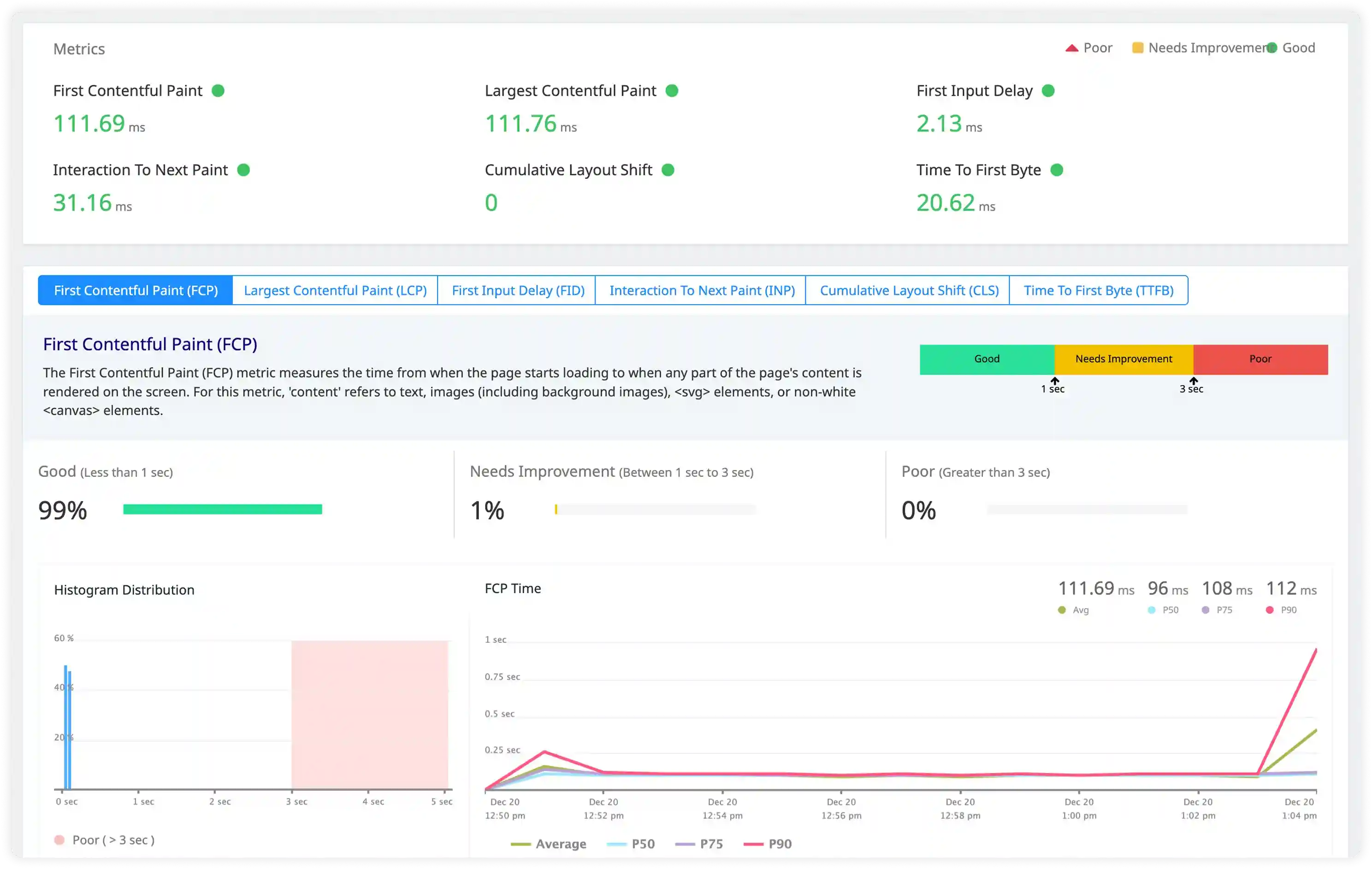
Resource and Query Performance Insights
- Analyze deadlock graphs, wait statistics logs, and execution warnings to understand SQL Server performance bottlenecks.
- Correlate CPU pressure, memory grants, and I/O wait events with query execution patterns.
- Identify parameter sniffing issues, plan cache instability, and inefficient joins increasing latency.
- Detect gradual degradation in throughput caused by resource contention and workload imbalance.
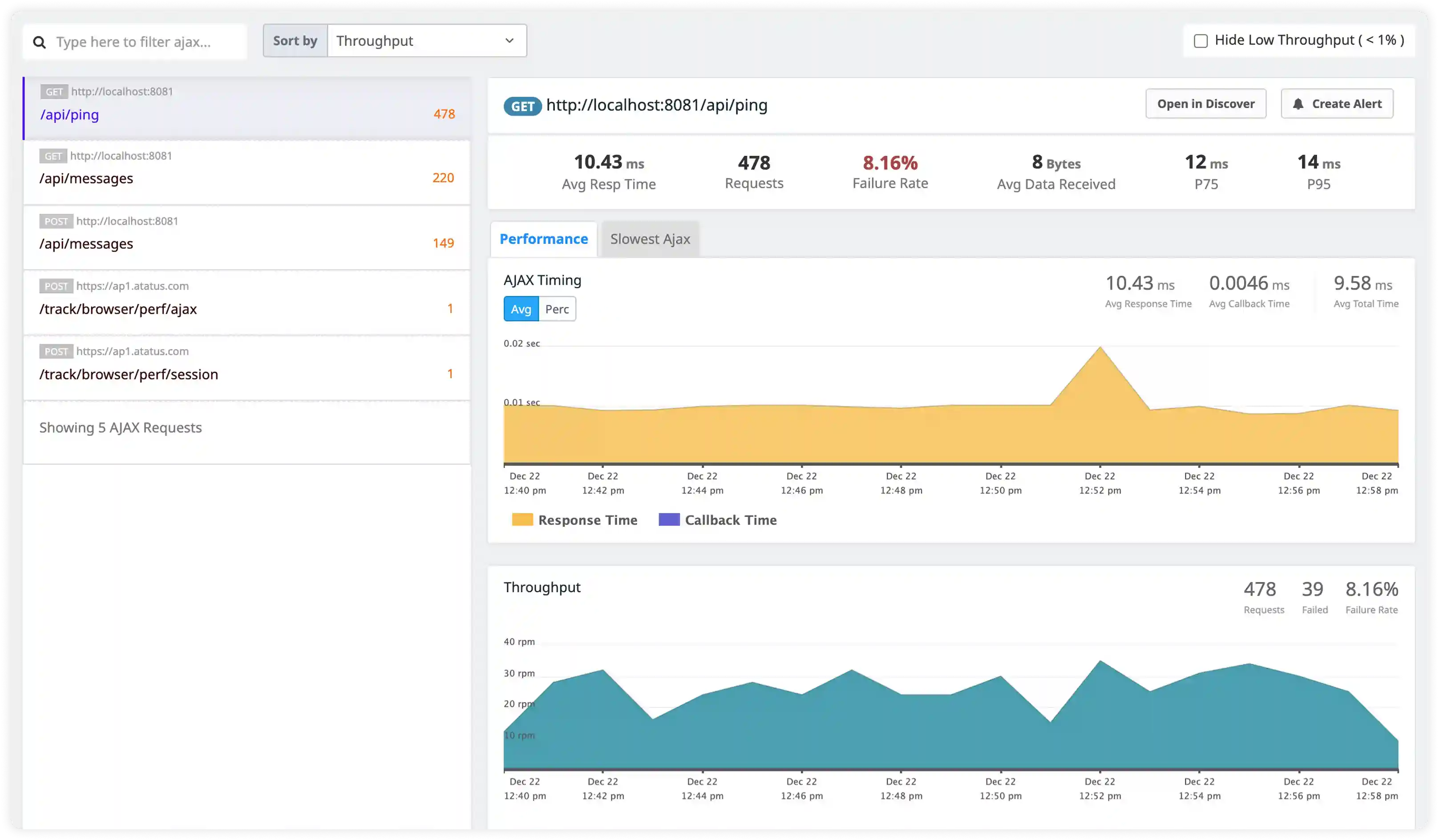
Audit and Access Intelligence
- Track login auditing, role modifications, and permission usage captured through SQL Server auditing and security logs.
- Identify abnormal authentication behavior, privilege escalations, and suspicious database operations.
- Correlate database access logs with application identity and infrastructure events for investigations.
- Detect compliance and security risks affecting enterprise SQL Server deployments.
Why teams choose Atatus for MS SQL logs monitoring
SQL Server-native parsing
Atatus interprets SQL Server ERRORLOG and Agent logs with structured field extraction for severity, databases, and error codes.
Centralized log visibility
Atatus collects logs from standalone instances, Always On replicas, and clustered environments into one timeline.
Fast log filtering
Atatus enables quick searches by database, login, error number, and severity level.
Real-time alerting
Atatus triggers alerts on failovers, deadlocks, backup failures, and repeated login errors.
Faster root cause analysis
Atatus correlates SQL Server log anomalies with application and infrastructure signals.
Scalable ingestion
Atatus reliably ingests high-volume SQL Server logs during peak and recovery operations.
Unified Observability for Every Engineering Team
Atatus adapts to how engineering teams work across development, operations, and reliability.
Developers
Trace requests, debug errors, and identify performance issues at the code level with clear context.
DevOps
Track deployments, monitor infrastructure impact, and understand how releases affect application stability.
Release Engineer
Measure service health, latency, and error rates to maintain reliability and reduce production risk.