PHP Logs Monitoring and Observability
Gain complete visibility into your PHP logs with real-time monitoring and advanced error tracking to optimize PHP performance and minimize downtime.
Gain comprehensive visibility into PHP application logs across Laravel, Symfony, and production stacks
Structured PHP error log analysis
Capture and parse PHP fatal errors, warnings, deprecation notices, and exceptions from error_log, Monolog channels, and framework-specific handlers. Correlate log events with request traces for complete failure context.
Framework-specific log parsing
Automatically structure Laravel channel logs, Symfony messenger queues, and WordPress debug output. Extract context like Eloquent queries, middleware execution, and Composer dependency failures from native PHP formats.
PHP request lifecycle monitoring
Track logs through complete PHP execution flow—from nginx/Apache access, PHP-FPM pool processing, application bootstrap, to response generation. Identify bottlenecks in slow database queries or heavy ORM operations.
Memory exhaustion & timeout detection
Monitor PHP memory_limit violations, execution time exceeded errors, and max_input_vars overflows. Surface slow Composer autoloads and circular references causing production OOM conditions.
Third-party service failure tracking
Capture Guzzle HTTP client errors, Redis connection timeouts, MySQL deadlocks, and Elasticsearch indexing failures logged by PHP applications. Link external dependency issues to specific application code paths.
Log-to-code stack trace correlation
Connect unstructured PHP logs directly to source code lines, PHPUnit test failures, and Artisan command outputs. Navigate from log events to exact controller methods, service classes, or trait implementations.
Production configuration drift alerts
Detect PHP ini setting mismatches between environments, unsafe opcache configurations, and disabled error reporting that hide production issues from development logs.
Real-time PHP-FPM pool insights
Monitor worker process crashes, slow request queues, pm.max_children exhaustion, and status page metrics alongside application logs for complete PHP execution visibility.
Request Lifecycle Logging
- Track request entry, execution flow, and response completion across web requests, CLI executions, and worker processes to understand end-to-end transaction behavior.
- Correlate log entries with request identifiers, session context, and transaction paths to trace how requests move through application components.
- Identify request interruptions, retries, and abnormal execution paths caused by routing failures or dependency delays.
- Detect failures in middleware execution, request validation, and controller handling affecting response delivery.
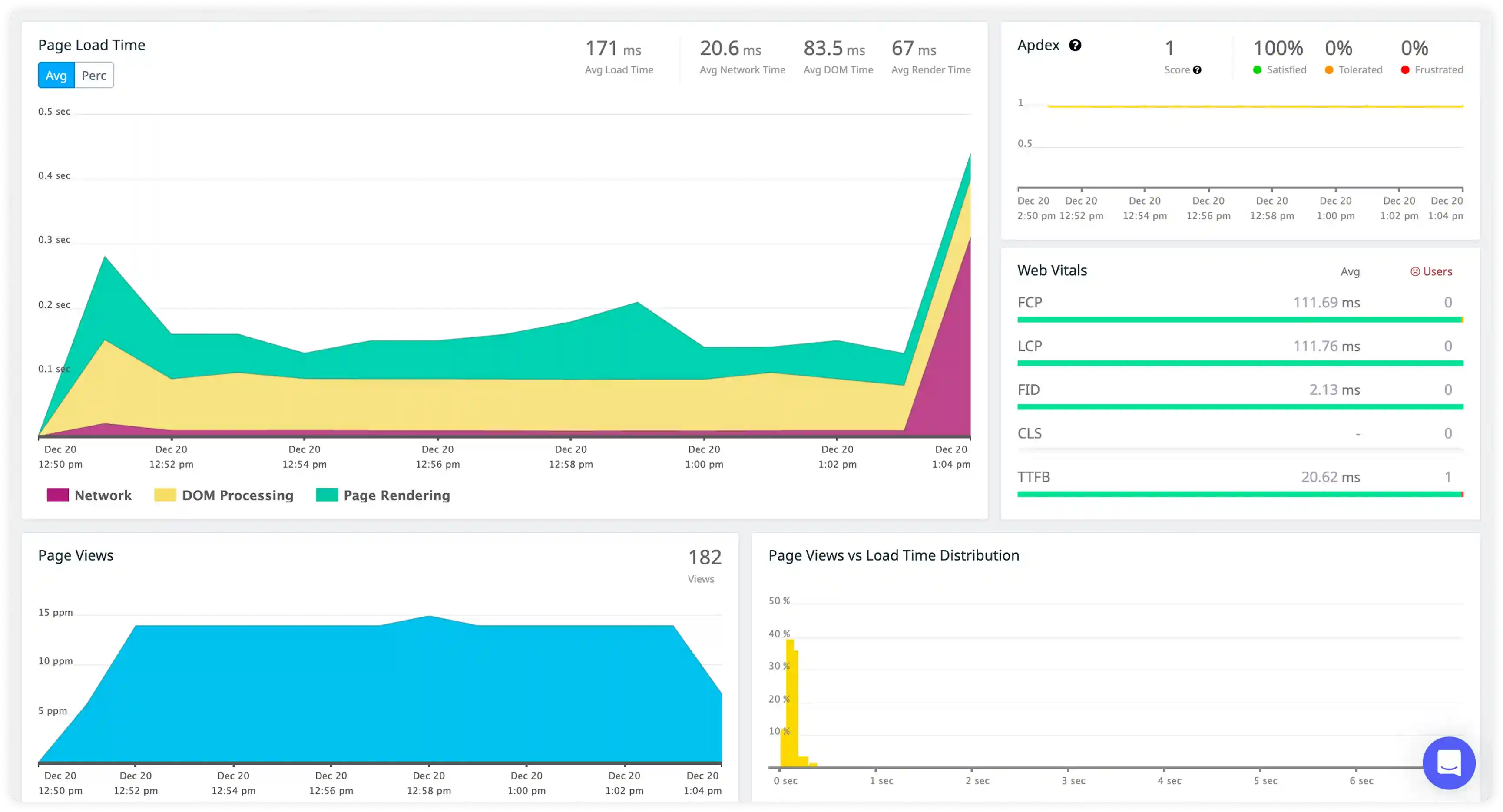
Error Reporting and Exception Tracking
- Capture runtime errors, warnings, notices, and fatal failures generated during PHP application execution
- Correlate stack traces with affected endpoints, deployments, and dependency interactions to identify failure sources.
- Identify recurring failures caused by configuration issues, dependency conflicts, and code regressions.
- Detect suppressed or silent errors that continue impacting application stability and behavior.
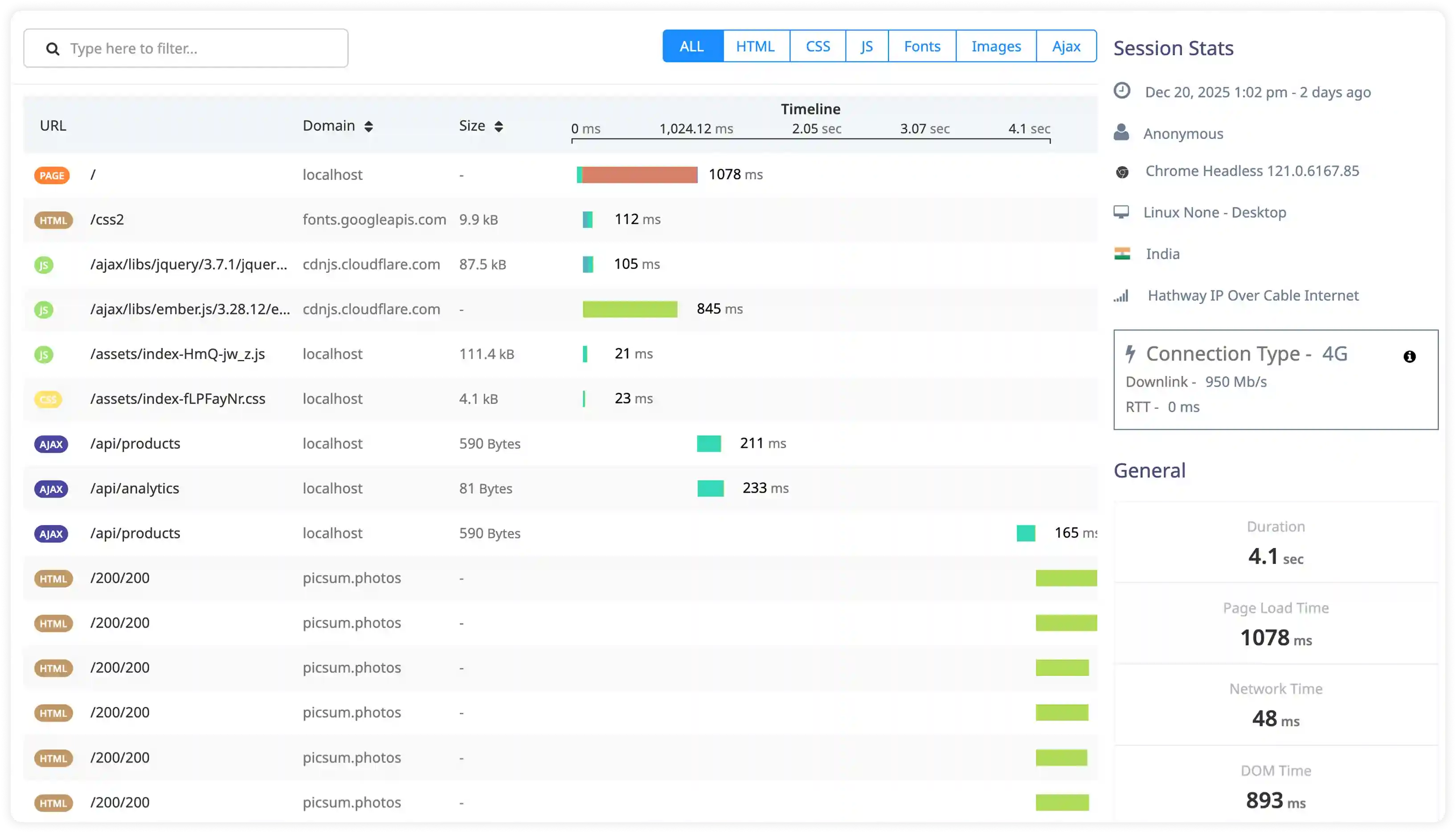
Execution Performance and Dependency Signals
- Analyze slow execution logs, timeout warnings, and resource-related events affecting request processing
- Correlate PHP execution behavior with database queries, external API calls, and background job activity.
- Identify excessive logging from loops, cron jobs, and worker processes increasing runtime overhead.
- Detect performance degradation through abnormal execution timing and latency spikes.
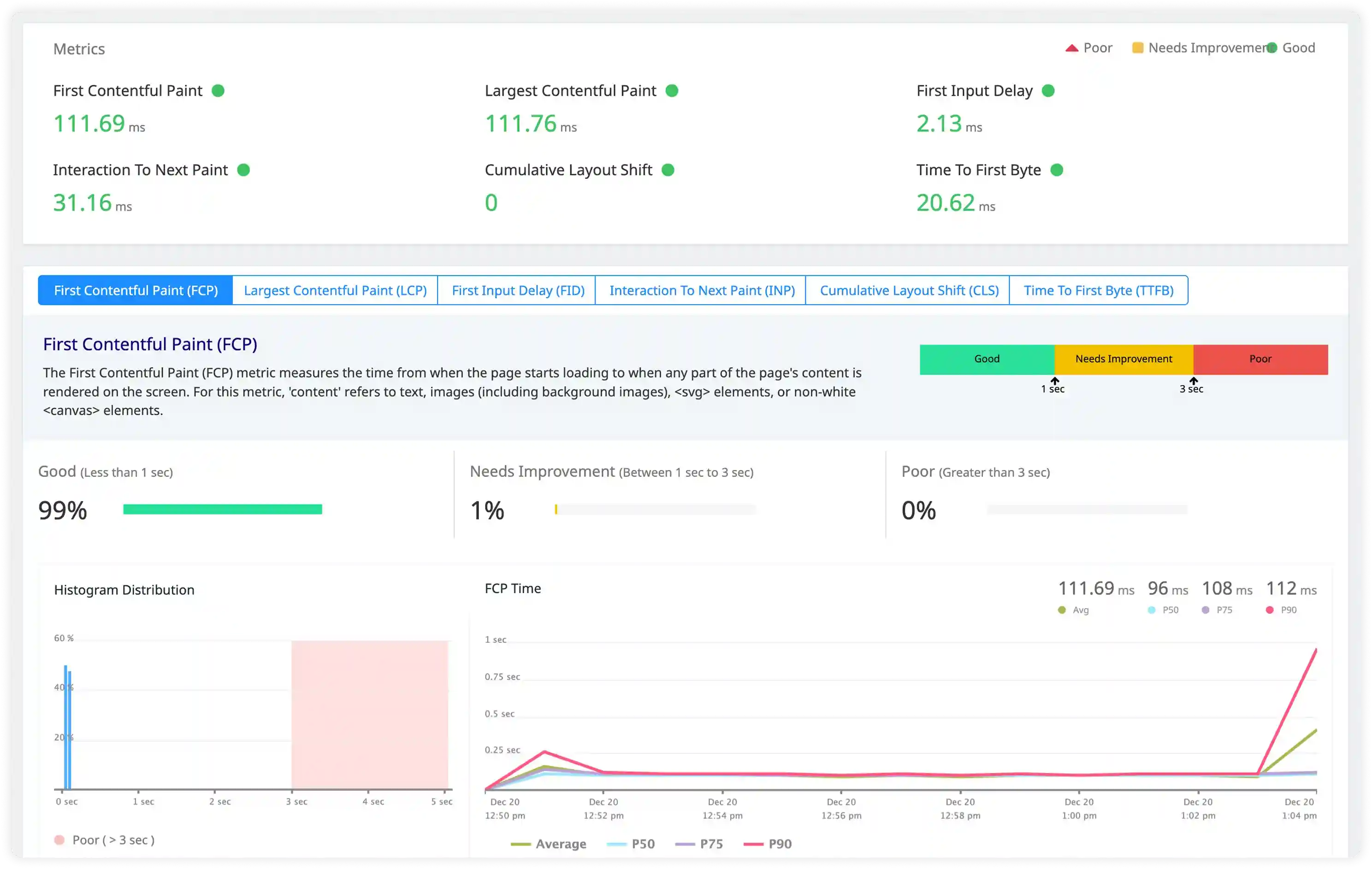
Security and Request Anomaly Signals
- Track authentication failures, session misuse, and unauthorized access attempts captured in logs.
- Identify suspicious input patterns, injection attempts, and malformed requests affecting application security.
- Correlate request activity with infrastructure and access logs to investigate security incidents.
- Detect abnormal traffic patterns impacting application availability and operational stability.
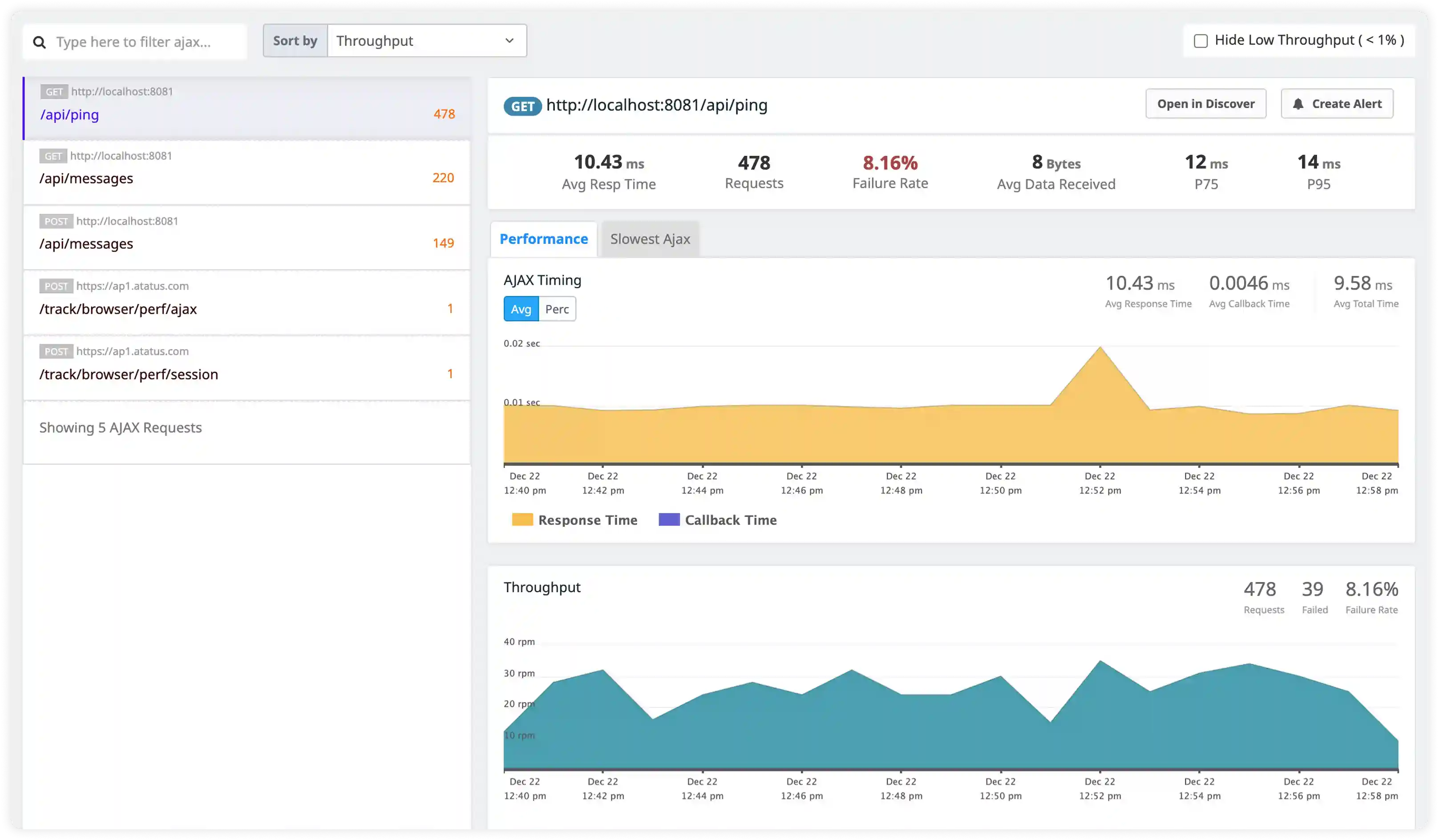
Why Choose Atatus for PHP Logs Monitoring?
Built for PHP ecosystems
Atatus understands Laravel, Symfony, Monolog, and PHP-FPM logs out of the box with zero setup complexity.
Faster issue detection
Atatus structures PHP logs automatically to surface errors and exceptions in real time.
Root cause clarity
Atatus correlates application errors with worker performance and system metrics instantly.
High-performance ingestion
Atatus collects logs reliably at scale without impacting application performance.
Powerful log search
Atatus enables fast querying across stack traces, messages, and custom fields.
Environment separation
Atatus keeps production, staging, and multi-tenant logs cleanly isolated.
Lower logging costs
Atatus uses intelligent retention to control storage while preserving critical logs.
Unified Observability for Every Engineering Team
Atatus adapts to how engineering teams work across development, operations, and reliability.
Developers
Trace requests, debug errors, and identify performance issues at the code level with clear context.
DevOps
Track deployments, monitor infrastructure impact, and understand how releases affect application stability.
Release Engineer
Measure service health, latency, and error rates to maintain reliability and reduce production risk.