You can now see how hard your Apache HTTP Servers are working and find failing requests, all from one agent. Atatus collects Apache's server-status metrics and parses its access and error logs, so traffic, worker usage and errors are in one place. Learn more about Apache logs and metrics monitoring.
The Apache plugin is included with the Atatus Infrastructure Agent. Point it at your server-status page and restart the agent, then turn on the Apache log module to ship access and error logs. Operations teams can then spot traffic spikes and capacity limits without logging in to each server.
What you can do
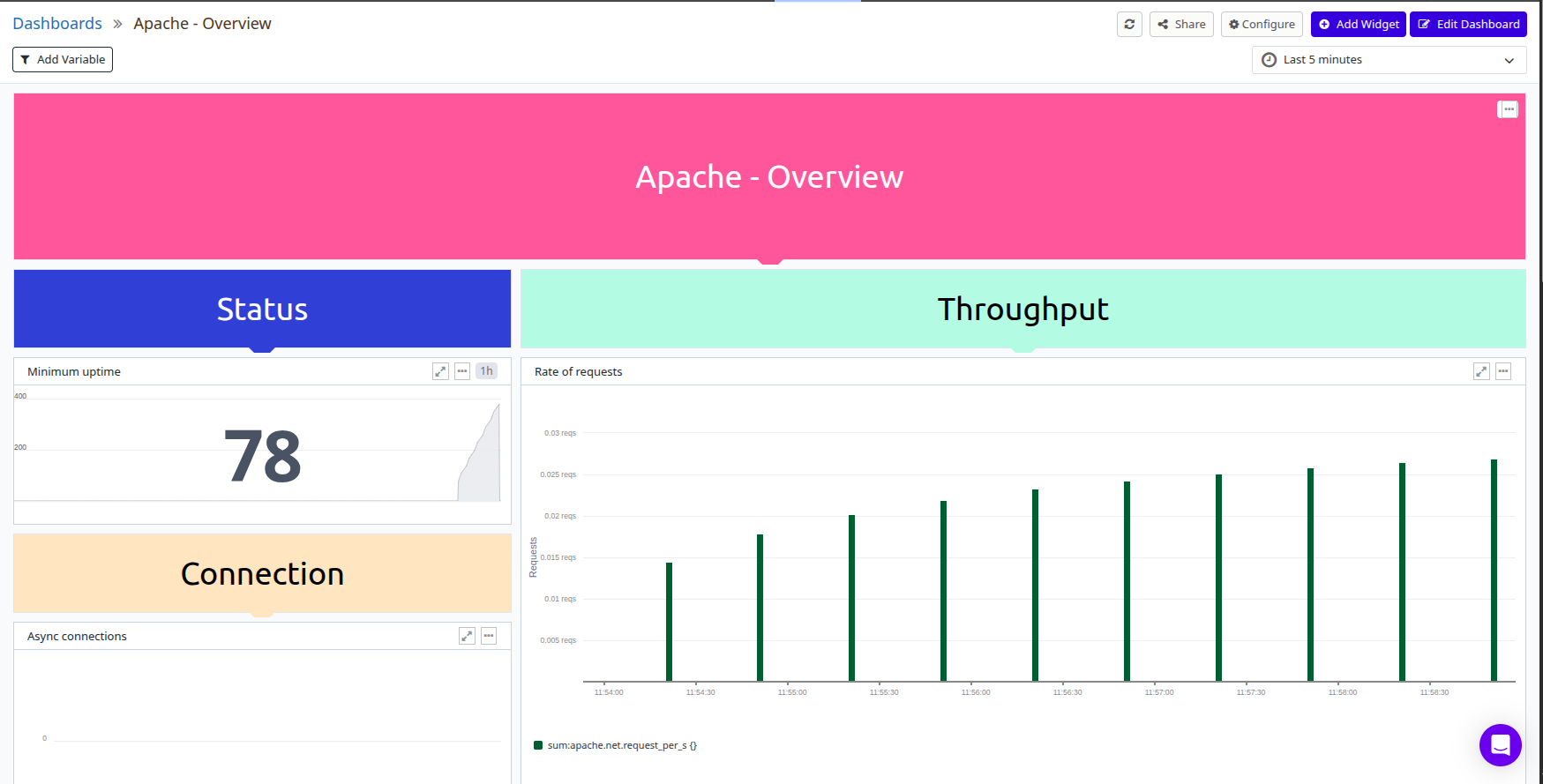
- Traffic: Track requests per second, bytes served and total connections to see load as it changes.
- Worker usage: Compare busy and idle workers to tell when a server is running out of capacity.
- Connection states: Watch async connections that are writing, kept alive or closing.
- Errors from logs: Search parsed access and error logs by status code, endpoint or client IP to find failing requests.
- Uptime and CPU load: See server uptime and Apache's CPU load to spot restarts and busy periods.