
Introducing the Atatus MCP Server: Ask Your Observability Data Anything
Released on: June 2026Atatus now connects your observability data to AI assistants that support the Model Context Protocol (MCP) including Claude, VS code, antigravity, codex, Windsurf and any AI IDE. Instead of manually navigating dashboards, applying filters, or reading stack traces, you can ask your AI assistant in plain English and get answers pulled straight from your Atatus account.
Instead of opening the Errors tab or digging through logs by hand, the assistant finds the right data, follows the trail from one result to the next, and responds in seconds.
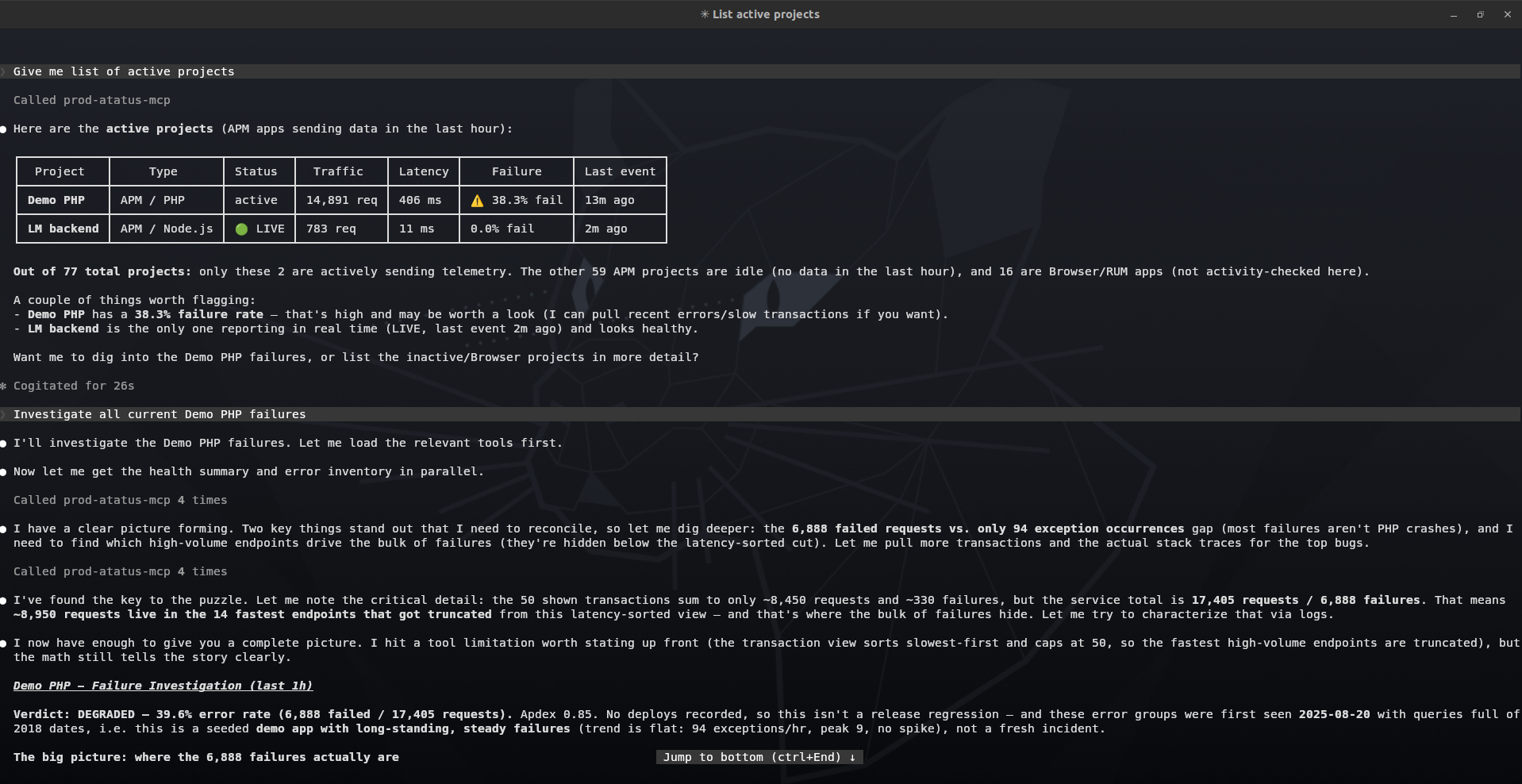
Key Benefits of the Atatus MCP Server:
- 44 Tools Across 6 Monitoring Categories: APM/Application, Kubernetes, Infrastructure, Logs, Distributed Tracing, and AI-Powered Analysis with more tools added regularly, every one maps to data you already collect in Atatus.
- Plain English Queries: No dashboards to click through, no query syntax to learn, ask questions the way you'd ask a teammate.
- Works Across All Major AI Clients: Supports VS Code, Cursor, Windsurf, Antigravity, Claude Code, Gemini CLI, Codex CLI, and Claude Desktop via remote MCP over HTTP.
- Read-Only by Default, Safe to Connect: A Read-scoped API key can query everything but change nothing, so your data stays protected.
- Get Started in Three Steps: Create an Atatus API key, connect your AI client, and ask your first question and running in under five minutes.
- Debug Production Without Leaving Your IDE: Your AI agent fetches real stack traces, log lines, and metrics on demand, no tab switching, no manual copy-pasting.
- Explore the complete tool reference and setup guide in the MCP Server Docs.
Monitor your software stack for free with Atatus.
Start your free trialOR
Request a DemoFree 14-day trial. No credit card required. Cancel anytime.