When a service is slow to reach an endpoint, you can now see which hop on the network path adds the delay or drops packets. Network Path Monitoring runs traceroute tests from the Atatus Infrastructure Agent to the endpoints you choose and records latency, packet loss and reverse DNS for every hop.
Tests run continuously, so operations and network teams can see when a route changes, compare the path before and after, and know which network segment or provider to look at. Nothing is installed on routers or on the services you test.
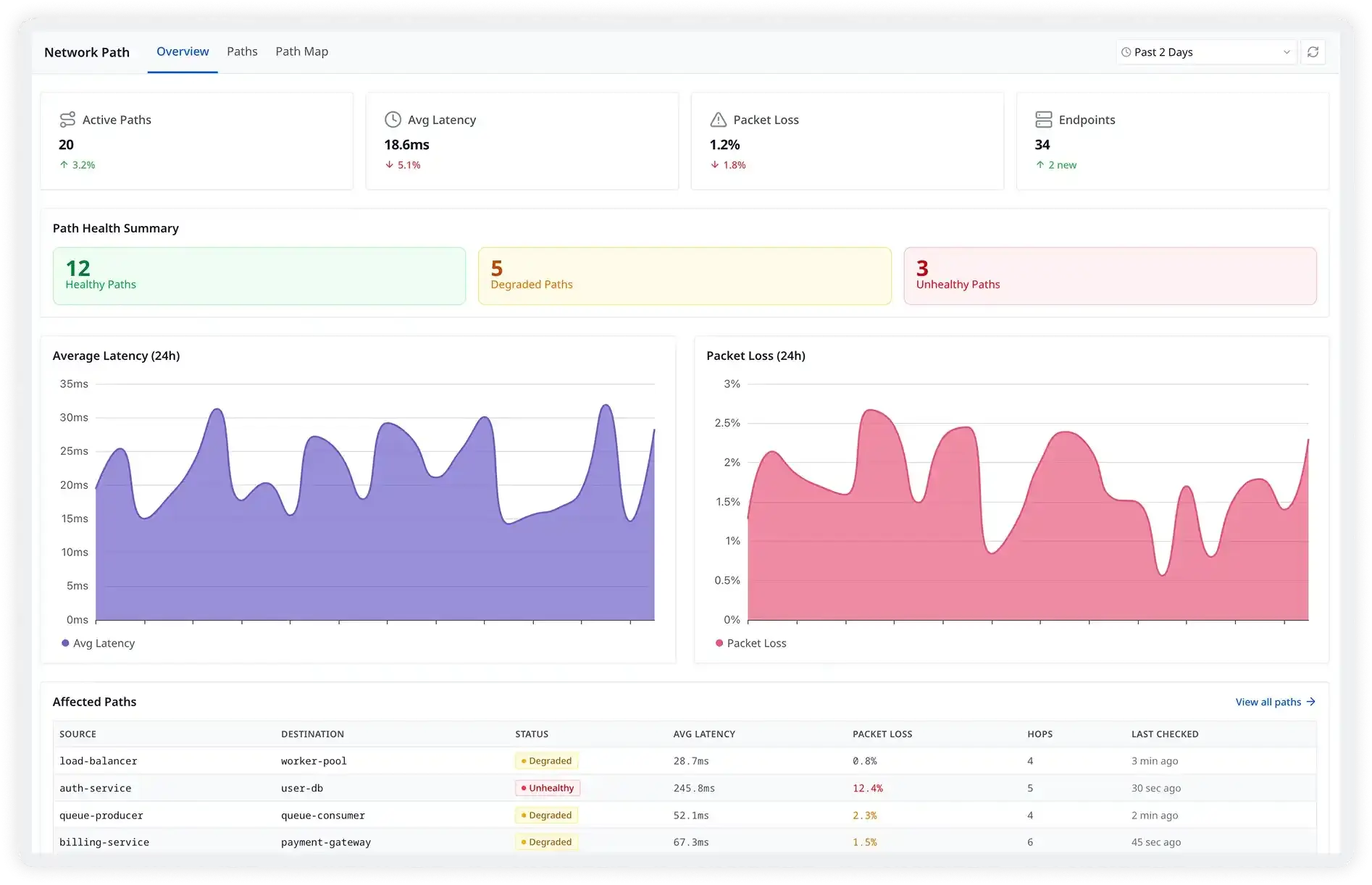
What you can do
- Hop-by-hop latency and loss: See how much time each hop adds and where packets are lost between source and destination.
- End-to-end latency: Track the total latency of each path over time next to its per-hop detail.
- Route changes: Spot ISP or BGP routing changes on the latency timeline and compare the path before and after.
- TCP, UDP or ICMP: Pick the protocol that matches your traffic. TCP tests support Paris traceroute mode to avoid load-balancing artifacts.
- Run from where the agent runs: Test from Linux or Windows hosts, including agents running inside Docker or Kubernetes.