You can now watch Nginx load and find failing requests from one agent, whether Nginx runs as a web server, reverse proxy or load balancer. Atatus reads connection and request counts from stub_status and parses access and error logs into fields you can search. See Nginx monitoring for details.
The Nginx plugin ships with the Atatus Infrastructure Agent, so there is nothing new to install and no code to change. Point the plugin at your stub_status page, turn on logs in the agent configuration and restart the agent.
What you can do
- Connection states: Track active, reading, writing and waiting connections to see how busy each server is.
- Dropped connections: Compare accepted, handled and dropped connections to spot a server that is turning clients away.
- Request rate: Follow total requests over time to see traffic peaks as they happen.
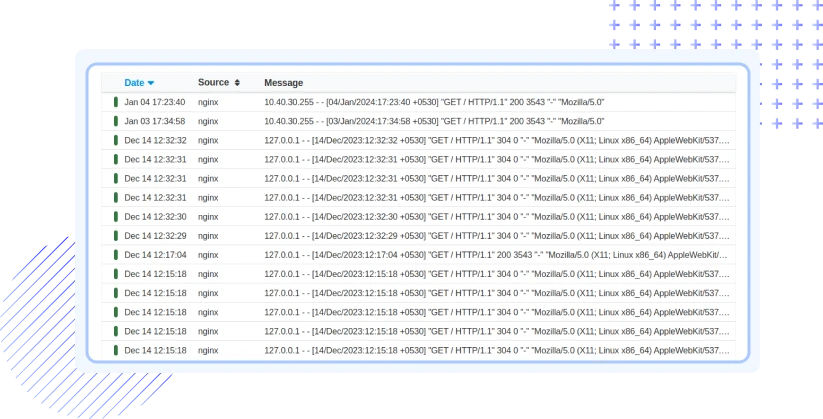
- Searchable access logs: Filter requests by client IP, method, path, status code, browser, OS or device.
- Error logs: Read error logs next to access logs to find the upstream errors and other failures behind a rise in 4xx and 5xx responses.