Analyze request routing logs
Inspect HAProxy logs to understand frontend to backend routing decisions and request handling flow.
Understand routing behavior, failover triggers, and connection pressure across HAProxy-managed services.
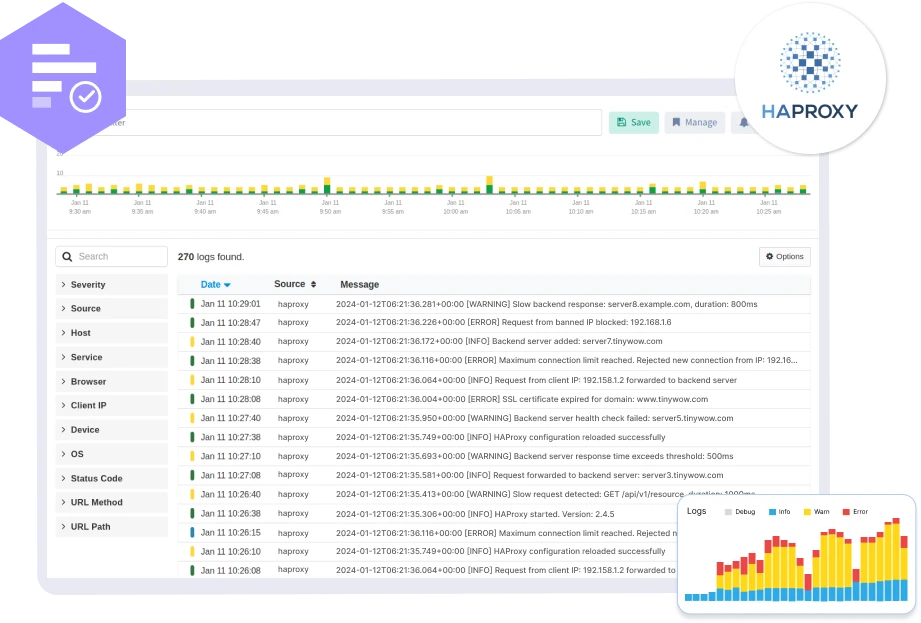
Inspect HAProxy logs to understand frontend to backend routing decisions and request handling flow.
Monitor HAProxy log entries related to backend server failures, health check errors, and server state changes.
Capture HAProxy logs indicating connection timeouts, retries, and queue overflows affecting traffic.
Analyze logs for max connection breaches and queue saturation during traffic surges.
Inspect HAProxy SSL log entries for certificate issues and handshake failures.
Analyze HAProxy logs to understand server selection and balancing algorithms in action.
Identify invalid or incomplete requests captured by HAProxy during traffic processing.
Link HAProxy logs with backend service logs to trace traffic-related failures.
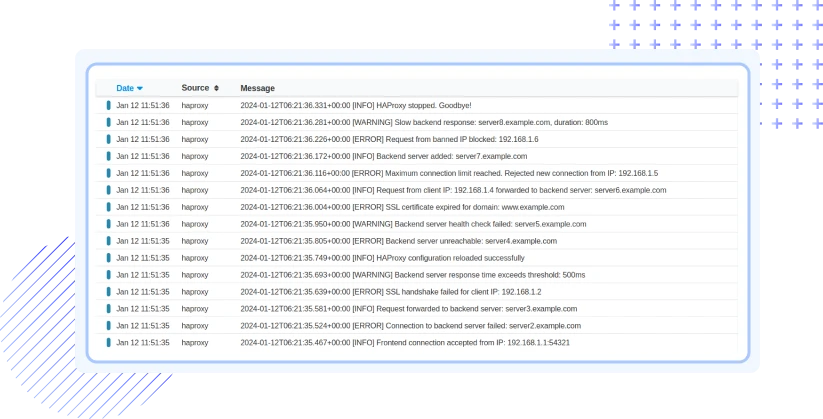
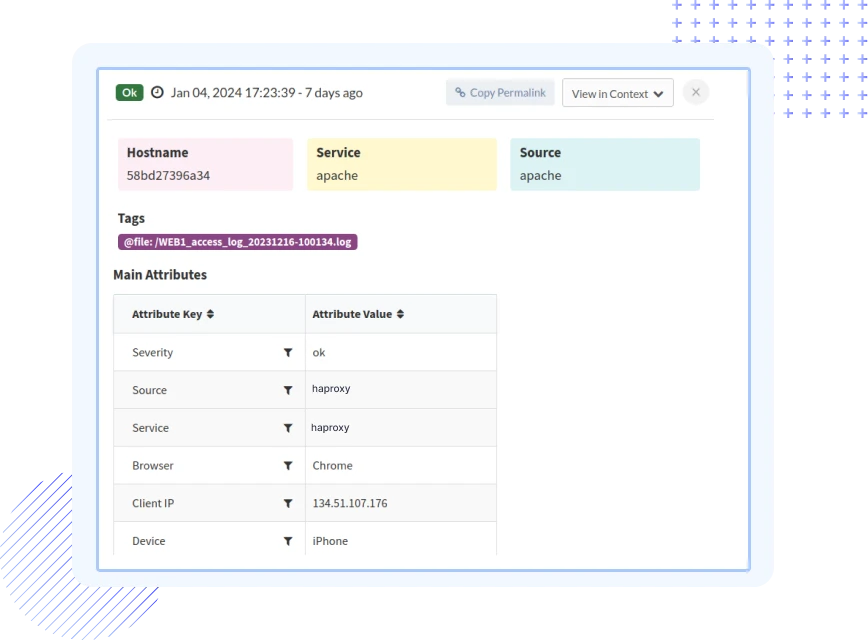

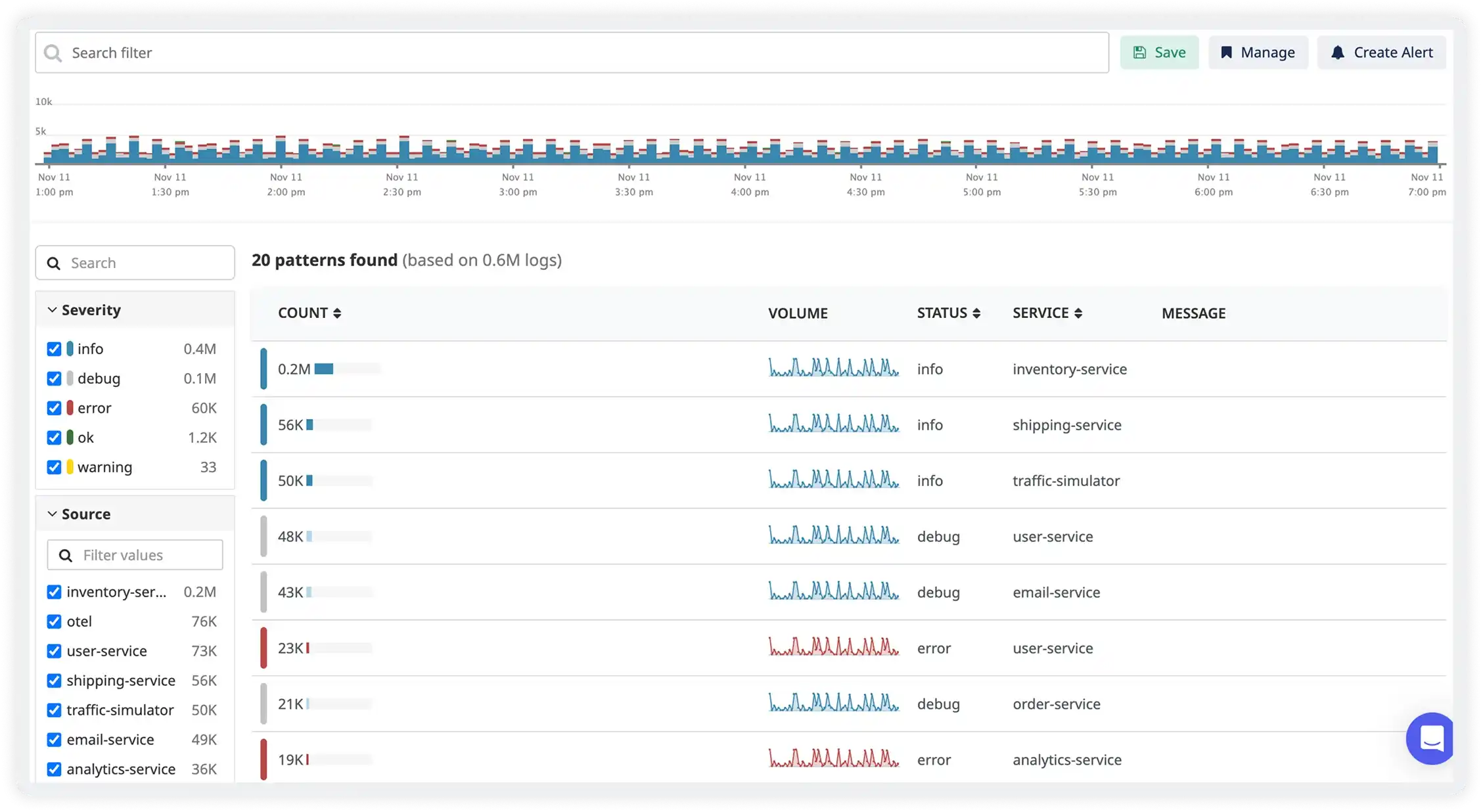
Atatus interprets HAProxy access and error logs with frontend, backend, and timing details.
Atatus centralizes logs across HAProxy instances to monitor traffic distribution and health.
Atatus identifies backend failures, connection errors, and timeout spikes quickly.
Atatus triggers alerts on abnormal status codes, retries, and service degradation.
Atatus links HAProxy events with application and infrastructure logs for full request tracing.
Atatus reliably processes HAProxy logs during traffic surges and scaling events.
Atatus adapts to how engineering teams work across development, operations, and reliability.
Debug errors and slow paths with the full context of what happened.
Atatus for developersTrack deployments and see how each release affects stability.
Atatus for DevOpsWatch latency and error rates to ship with less production risk.
Atatus for release engineersPricing, deployment, data and the agent. If something is missing, a person will answer it on a demo call.
HAProxy log monitoring is crucial for several reasons. It helps identify potential security threats, troubleshoot issues, optimize server performance, track user activity, and gain insights into website traffic patterns. Monitoring HAProxy logs allows administrators to proactively address issues, enhance website reliability, and improve the overall user experience.
Atatus offers several benefits for Apache logs monitoring, including:
To optimize performance using HAProxy logs:
Atatus supports various HAProxy log formats. The common log formats include the default format and the HTTP format. Ensure that the log format specified in your HAProxy configuration matches the one configured in Atatus. You can customize the log format in the Atatus Agent configuration to match your HAProxy log format.
Atatus allows you to customize log parsing using Grok patterns in the haproxy.d/conf.yaml file. You can define specific patterns for extracting fields from your HAProxy logs. Refer to the Atatus documentation on log processing for more details on creating custom parsing rules.
Yes, log pipelines can be configured to filter log data based on various attributes such as log source, severity, timestamp, or any custom field. This customization allows users to focus on specific aspects of log data that are most relevant to their monitoring goals.
Saved Views in HAProxy Logs Monitoring enable you to create and save custom configurations for different troubleshooting scenarios. This feature simplifies collaboration, allows for quick context switching, and automates repetitive tasks, significantly improving overall efficiency.
If you exceed your log ingestion limits, we would contact you to discuss on stopping further processing new log data or upgrade your subscription.
You can choose to store logs in Atatus for a limited time (e.g., 7 days) or export them to external storage solutions like Amazon S3 for long-term retention.
To access historical log data beyond the retention period, you can rely on log data exports from Amazon S3, where you can push the logs into Atatus for further analysis.
Yes, Atatus provides users with the flexibility to customize log retention settings. Users can adjust retention periods based on their specific needs, aligning with compliance standards or internal data management policies.


